Export attendee data
- Last verified
- Last verified Aug 11, 2026
Use this article when you need an attendee file for an event day, a caterer, a partner, or a reconciliation — as CSV or Excel.
Before you start
- You need a role that allows viewing attendees and creating data exports (the Data exports permission).
- Decide which event, date range, and attendee states the file should cover.
- Decide whether the recipient needs customer contact details and question answers, or only ticket-level data.
Filter the list first
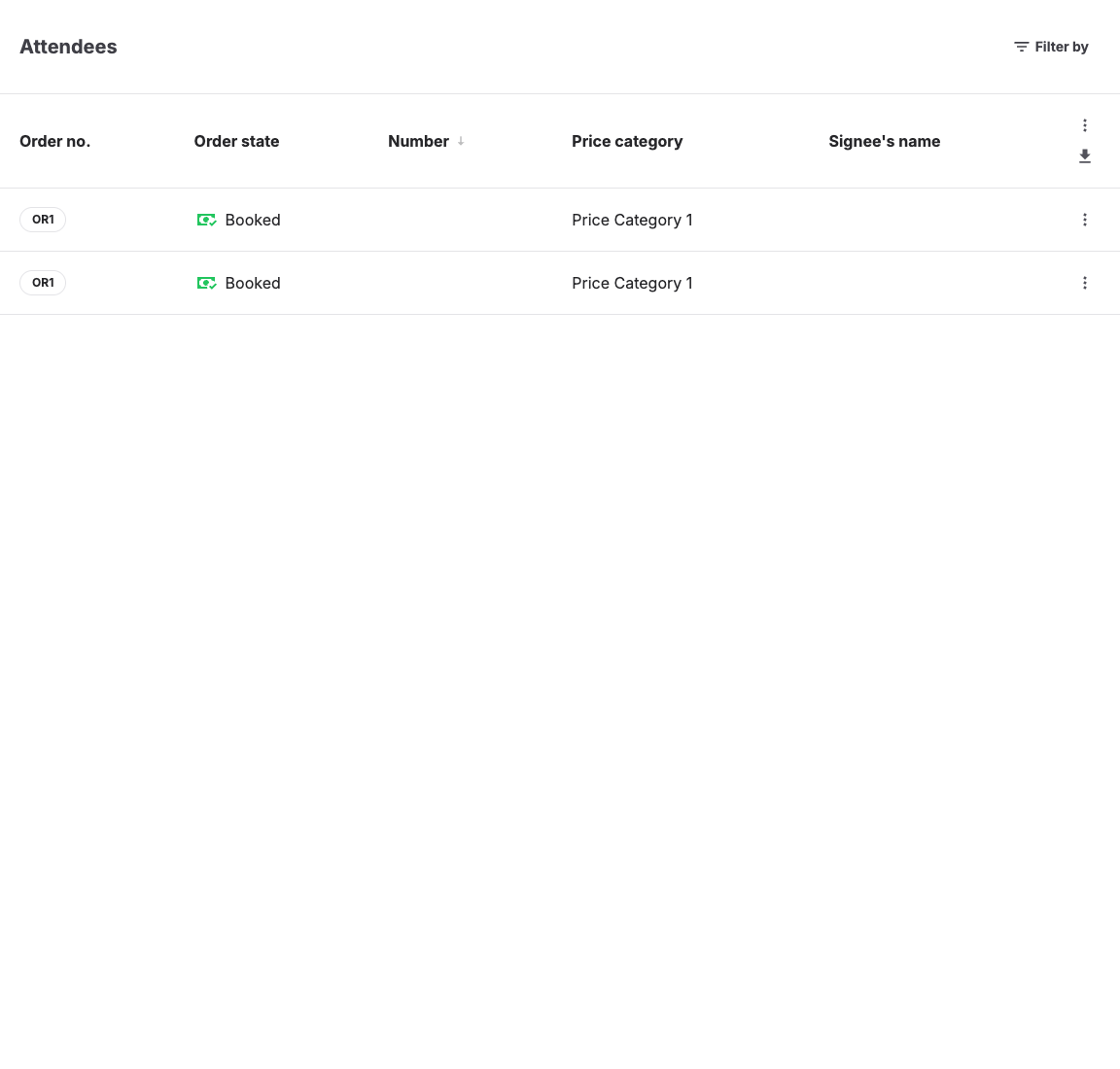
- Open Sales > Attendees.
- Use the filter to narrow the list. You can filter by events, event templates, admissions, price categories, products, orders, tags, points of sale, and order channels, and by attendee state with Checked in / Not checked in, Counts toward capacity / Does not count toward capacity, and Signed waiver / Has not signed waiver. Price category and product filters can be used separately or together; when both are selected, exported attendees must match both.
- Add a Date filter and choose the date basis: Visitor date, Booked, Created, or Ticket scan, with presets such as Today, This week, or Custom.
Export the file
- Select Export data (Excel) or Export data (CSV) below the list filters.
- The selected button remains visible and changes to Data export queued (Excel) or Data export queued (CSV) and is disabled while KORONA Event prepares the file. For a large list, it then shows the number of rows processed and a final Preparing download state.
- You can leave or reload the page. Return to the same filtered attendee list to see the saved export state.
- When it is ready, select Download export to save the file.
What the file contains
The export has one row per attendee. Columns include:
| Group | Columns |
|---|---|
| Service | Service number, Service name, Start time, End time, Time zone, UTC times, Service tags |
| Ticket | Price name, Price (the booked unit price), Ticket numbers, Attendee name, Check-in status, Capacity impact |
| Order | Order Number, Point of sale number, Point of sale name, Order channel ID, Order channel name |
| Customer | Columns prefixed with "Customer:", such as customer number, first and last name, email, mobile, telephone |
| Waiver | Signatory name and, for minors, the minor's name |
When your account collects questions during checkout, the answers appear as additional columns prefixed with "Attendee:", "Booking:", or "Customer:" depending on where the question is asked. On accounts without the questions feature, booking answers appear in an "Additional information" column instead.
Expected result
You have a CSV or Excel file containing only the filtered attendees, with ticket, check-in, customer, and answer columns.
Troubleshooting
| Problem | What to check |
|---|---|
| No export option visible | Your role's Data exports permission. |
| Download export does not save a file | Refresh the page and select Download export again. If it still fails, contact KORONA Event support. |
| Export contains too many rows | Active filters — clear the search text and re-apply the event and date filters before exporting. |
| Customer columns are empty for some rows | POS sales without a linked customer, and personalized tickets where only attendee data was collected. |
| Ticket numbers are empty | Whether the attendee has a ticket number. |
| Question columns are missing | Whether the question is asked for this event, and whether any filtered attendee answered it. |
| Excel export says it is too large | Narrow the event and date filters, or export the same filtered list as CSV. |
| CSV export says it is too large | Narrow the event and date filters to reduce the exported data, then try the CSV export again. |
| Export shows Export failed — retry | Select the option again to start a new export. If it fails again, send the displayed reference to KORONA Event support. |
| Counts differ from a report | Date basis (Visitor date versus Booked), check-in and capacity filters, and canceled orders. |