A coupon, voucher, or membership does not work
Use this when a customer reports a rejected code, a voucher that will not redeem, or a missing member benefit. First identify which of the three you are dealing with — they fail for different reasons:
- A coupon (discount code) changes the order price when entered in the cart.
- A voucher carries a purchased balance or entitlement the customer redeems later.
- A membership gives member prices through the customer group of the customer who bought it. Customers can use account-based benefits by signing in, or verify an eligible membership/pass ticket for the current order.
Coupon code is rejected
- Check spelling and leading or trailing spaces in the code the customer typed, and whether the code was already applied to the cart.
- In KORONA.studio, open the couponing promotion under Couponing Promotions and check the booking period, the assigned points of sale, and that the code is in both coupon number lists of the advanced benefit.
- Check that the code matches a number range under Settings > Number Ranges in KORONA.studio.
- If the code is limited, open Settings > External coupon limits in KORONA Event and check that it is listed, active, and has uses remaining.
- In KORONA Event, open Admin > Integrations and check Last successful synchronization. Select Synchronize after changing the couponing promotion.
- If the discount amount looks wrong rather than rejected, compare the discount calculation and qualifying items in KORONA.studio with the cart.
Do not use the deprecated KORONA Event Settings > Promotions page for new campaigns. The full setup is described in Set up external coupon numbers.
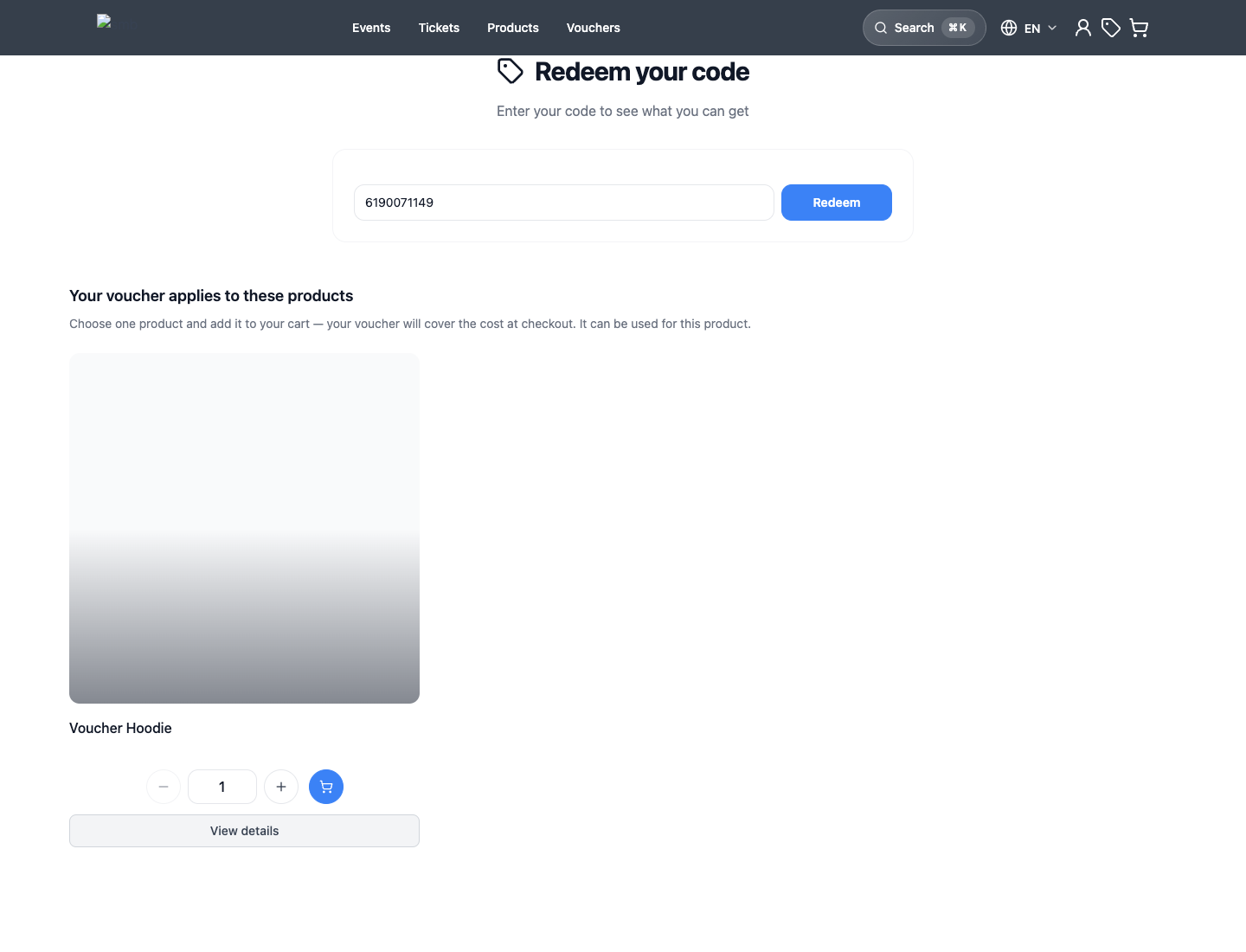
Voucher will not redeem
- Check the code spelling, then find the voucher's original order and confirm its payment state — an unpaid voucher purchase is a common cause.
- Check whether the voucher was already redeemed or its value already consumed.
- Confirm the customer is redeeming an eligible offer in the shop this voucher belongs to, and that the value is applied before checkout completes.
Sell and redeem a voucher covers the full redemption test and its troubleshooting table.
Membership benefit is not applied
Membership problems are almost always identity problems:
- For account-based benefits, check that the member signed in to their customer account during checkout. For a membership/pass used without an account, open Apply code, select Have a membership/pass?, and enter the ticket number. Entering a checkout email alone does not apply membership benefits.
- Open Sales > Customers and search by the exact email. Check for duplicate records — the membership may sit on a different record than the one used for the order. See Clean up duplicate customer records.
- Open the customer that holds the membership and check the Memberships tab. Continue with Check membership benefits.
For accounts that use the bLoyal integration, bLoyal calculates its own loyalty prices; see Connect bLoyal.
Expected result
You know whether the failure is a typo, an archived promotion, an unpaid or consumed voucher, a wrong customer record, or an inactive membership — and which record proves it.